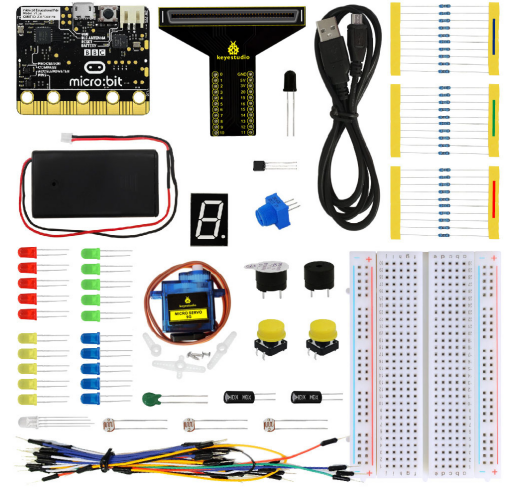
The Keyestudio KS0306 Beginner Starter Kit for Micro:Bit is a complete beginner coding and electronics learning kit built around the BBC Micro:Bit V2 development board. It includes a T-type expansion board, 400-hole breadboard, 90° servo, LEDs, buzzers, sensors and reusable electronic components, with 29 guided projects covering programming, physical computing and basic circuit building. It is designed for students, beginners, schools and STEM learners using Microsoft MakeCode.
Start Learning Coding and Electronics with Micro:Bit V2
The KS0306 combines a programmable Micro:Bit V2 with external components so learners can move from simple on-board coding exercises to hands-on electronics experiments. The Micro:Bit includes a 5 × 5 LED matrix, programmable buttons, motion sensing, compass, microphone, touch-sensitive logo, speaker and Bluetooth connectivity.
Use Microsoft MakeCode to create programs with visual blocks, transfer them to the Micro:Bit and observe the results through lights, sounds, sensors and connected components. The included expansion board and breadboard make it easier to build and change circuits between projects.
BBC Micro:Bit V2 Included
Start programming with the Micro:Bit V2 board and its built-in LED matrix, buttons, motion sensors, microphone and speaker.
29 Guided Projects
Follow Keyestudio’s project sequence covering Micro:Bit functions, LEDs, sensors, buzzers, servo control and more.
Microsoft MakeCode
Use beginner-friendly visual block coding to learn program flow, loops, conditions, variables and hardware control.
T-Type Expansion Board
Access Micro:Bit pins more conveniently when connecting external components and breadboard circuits.
400-Hole Breadboard
Build and modify reusable electronic circuits without soldering components together.
Sensors, LEDs and Buzzers
Experiment with light, temperature, flame, tilt, RGB colour, sound and digital input/output.
90° Servo Included
Explore positional movement and learn how a program or potentiometer can control a small servo.
Beginner STEM Learning
Connect programming concepts with real electronic circuits for school, home and coding-club activities.
What Can You Build with the KS0306?
The KS0306 tutorial contains 29 guided projects. The sequence begins with the Micro:Bit’s built-in features and progresses to external breadboard experiments using the supplied components.
| Micro:Bit Basics |
Heartbeat, LED matrix, programmable buttons and built-in speaker |
| Motion and Orientation |
Compass and accelerometer experiments |
| Sound and Touch |
Microphone, touch-sensitive logo and buzzer projects |
| LED Experiments |
Flashing LED, breathing LED, button-controlled LED and RGB lighting |
| Light Sensing |
Photoresistor-based light measurement and sensitive-light projects |
| Temperature Sensing |
Thermistor and LM35 temperature sensor experiments |
| Movement |
90° servo control using a potentiometer |
| Other Electronics |
Flame sensor, tilt switch, active and passive buzzers, and 1-digit segment display |
Technical Specifications
| Brand |
Keyestudio |
| Model |
KS0306 |
| Product Type |
Micro:Bit V2 Beginner Starter Kit |
| Main Development Board |
BBC Micro:Bit V2 |
| Expansion Board |
Keyestudio T-Type Expansion Board |
| Prototyping Board |
400-hole solderless breadboard |
| Programming Platform |
Microsoft MakeCode for Micro:Bit |
| Guided Projects |
29 (Keyestudio tutorial) |
| Servo |
Keyestudio 90° servo |
| Display Components |
5 × 5 Micro:Bit LED matrix and 1-digit segment display |
| Sound Components |
Micro:Bit speaker, active buzzer and passive buzzer |
| Sensors |
LM35DZ, thermistor, photoresistors, flame sensor and ball tilt switches |
| LED Components |
Red, yellow, blue, green and common-cathode RGB LED |
| Connectivity |
USB programming and Bluetooth features via Micro:Bit V2 |
| Circuit Assembly |
Solderless breadboard and jumper leads for standard guided projects |
What Is Included in the KS0306 Kit?
The current Keyestudio KS0306 V2.0 documentation lists the following kit components. The quantities below follow the manufacturer’s kit list; check the supplied package if you need confirmation of a particular item.
| Micro:Bit Development Board |
1 |
| Keyestudio T-Type Expansion Board |
1 |
| USB Cable |
1 |
| 2-Slot AA Battery Holder |
1 |
| 400-Hole Breadboard |
1 |
| Breadboard Leads |
1 set |
| 90° Keyestudio Servo |
1 |
| 1-Digit Segment Display |
1 |
| Passive Buzzer |
1 |
| Active Buzzer |
1 |
| Push Button Sensors |
2 |
| Adjustable Potentiometer |
1 |
| Common-Cathode Full-Colour RGB LED |
1 |
| LM35DZ Temperature Sensor |
1 |
| 5mm Photoresistors |
3 |
| Thermistor Sensor |
1 |
| Flame Sensor |
1 |
| Ball Tilt Switches |
2 |
| 5mm Red LEDs |
5 |
| 5mm Yellow LEDs |
5 |
| 5mm Blue LEDs |
5 |
| 5mm Green LEDs |
5 |
| 220Ω Resistors |
10 |
| 1KΩ Resistors |
10 |
| 10KΩ Resistors |
10 |
| 4.5V 3-Slot AA Battery Holder |
1 |
AA batteries are not included. The kit documentation lists separate two-slot and three-slot battery holders for different power arrangements.
Programming with Microsoft MakeCode
Microsoft MakeCode for Micro:Bit provides a visual block-based coding environment for beginners. Learners can create a program by arranging blocks rather than writing every instruction as text. This is useful for understanding the logic behind loops, conditions, variables, events and hardware inputs and outputs.
When a project is ready, connect the Micro:Bit to a compatible computer using the USB cable, download the program and transfer it to the board. MakeCode also supports moving from block-based programming towards JavaScript or Python as skills develop.
Micro:Bit V2 Compatibility and Voltage Requirements
The Micro:Bit uses 3.3V logic. Not every sensor or module designed for 5V systems can be connected directly to its GPIO pins. Check the supply voltage and signal level of external components before connecting them.
| Micro:Bit Logic |
3.3V logic |
| Programming Connection |
USB connection to a compatible computer |
| External 5V Sensors |
Do not connect signal pins directly unless voltage compatibility is confirmed; use an appropriate interface where required |
| Expansion Board |
Provides more convenient access to Micro:Bit pins; it does not automatically make every 5V module safe for direct connection |
| Servo Power |
Use the separate three-slot AA battery holder as directed by Keyestudio for the servo experiment |
Important: Do not feed the 4.5V servo battery supply into the Micro:Bit’s 3V power connection. Follow the official wiring instructions for the servo experiment and connect the required common ground. Incorrect power connections can damage the Micro:Bit or connected components.
Does the KS0306 Require Soldering?
No soldering is normally needed for the standard guided KS0306 experiments. The kit uses a solderless breadboard, jumper leads and reusable components, allowing circuits to be assembled, tested and changed without permanently joining parts together.
Why Buy from PcGuy Computers?
PcGuy Computers supplies electronics kits, development boards, sensors and educational hardware for students, hobbyists, makers and STEM learning in Pakistan.
- Keyestudio and Micro:Bit learning hardware
- Electronics kits, sensors and development boards
- Components for coding and practical STEM projects
- Convenient online ordering
- Delivery options across Pakistan
Buy the Keyestudio KS0306 Beginner Starter Kit for Micro:Bit from PcGuy Computers for Rs. 14,300. Get the Micro:Bit V2, expansion board, breadboard, servo, sensors and 29 guided projects in one learning kit.
Frequently Asked Questions
What is the price of the Keyestudio KS0306 Micro:Bit Starter Kit in Pakistan?
The Keyestudio KS0306 Beginner Starter Kit for Micro:Bit is listed at PcGuy Computers for Rs. 14,300. The kit includes a Micro:Bit V2 board, T-type expansion board, breadboard, servo, sensors and components for guided coding and electronics projects. Check the product page for current price and stock before ordering.
Does the Keyestudio KS0306 kit include a Micro:Bit board?
Yes. The KS0306 V2.0 kit specification lists one Micro:Bit development board. The board provides a 5 × 5 LED matrix, programmable buttons, motion sensing, compass, microphone, touch logo, speaker and Bluetooth features for beginner programming projects.
Is the KS0306 compatible with Micro:Bit V2?
Yes. The current Keyestudio KS0306 documentation identifies the kit as a Micro:Bit V2.0 Beginner Starter Kit. Follow the V2 tutorial and check the board version supplied with your order if you are matching it to older V1.5 project instructions.
What programming software is used with the KS0306?
The KS0306 can be programmed using Microsoft MakeCode for Micro:Bit. MakeCode supports beginner-friendly block programming, allowing learners to create programs with loops, conditions, variables, button events, sensor inputs, lights and sound before progressing to text-based coding.
How many projects are included in the Keyestudio KS0306 tutorial?
Keyestudio’s KS0306 V2.0 tutorial documents 29 guided projects. They cover built-in Micro:Bit features and external experiments such as LEDs, RGB lighting, buzzers, servo control, light sensing, temperature measurement, flame sensing, tilt switches and a segment display.
What components are included in the KS0306 starter kit?
The documented kit contents include a Micro:Bit board, T-type expansion board, USB cable, two-slot and three-slot AA battery holders, 400-hole breadboard, breadboard leads, 90° servo, segment display, active and passive buzzers, buttons, potentiometer, RGB LED, temperature and light sensors, flame sensor, tilt switches, LEDs and resistors. Check the product’s package list for the exact supplied items.
Does the KS0306 require soldering?
The standard KS0306 guided projects use the supplied solderless breadboard, jumper leads and reusable components, so soldering is not normally required to build those experiments. This makes it suitable for beginners who want to practise circuit building without permanently joining components.
Are batteries included with the Keyestudio KS0306 kit?
The KS0306 documentation lists two battery holders, but AA batteries are not included. You will need to obtain suitable batteries separately if you want to use the battery-powered experiments. Follow Keyestudio’s separate power instructions for the Micro:Bit and servo.
Can the KS0306 control a servo motor?
Yes. The kit includes a Keyestudio 90° servo and a potentiometer-based servo control project. Keyestudio recommends using the three-slot AA battery holder for the servo’s power demand and keeping the required common ground connection. Do not apply the servo supply directly to the Micro:Bit board.
Can I connect 5V sensors directly to the Micro:Bit?
Do not assume that a 5V sensor can connect directly to Micro:Bit GPIO pins. The Micro:Bit uses 3.3V logic. Check each module’s supply and signal-voltage requirements, and use an appropriate interface or level-shifting expansion hardware when required.
Is the KS0306 suitable for children and school STEM learning?
The KS0306 is designed as a beginner programming and electronics education kit. Its visual MakeCode projects and reusable components can support supervised learning in schools, coding clubs and home education. Younger learners should have adult guidance when handling small electronic parts and battery connections.
Can the KS0306 be used for robotics projects?
The KS0306 introduces physical computing through sensors, a servo, LEDs and programmable inputs and outputs. These components can be reused in custom interactive projects. The included 90° servo is a small positional actuator; the kit should not be confused with a complete robot car chassis or multi-motor robotics platform.
Does PcGuy Computers deliver the KS0306 across Pakistan?
PcGuy Computers accepts online orders for customers in Pakistan. Enter your delivery address during checkout to see the available shipping service and applicable charges for your location.
Where can I get the KS0306 tutorial and code?
Keyestudio provides an online KS0306 V2.0 tutorial with project instructions and example code. The official guide includes setup information, component lists, wiring instructions and MakeCode examples. Use the V2.0 guide linked on this product page for the current kit version.
Product Information and References
Product details and project coverage are based on Keyestudio’s KS0306 V2.0 documentation. Review the manufacturer’s setup and wiring instructions before powering the board or connecting external components.


 Pick up from PcGuy Computers Store


 Pick up from PcGuy Computers Store
 AusPost Standard
 AusPost Express

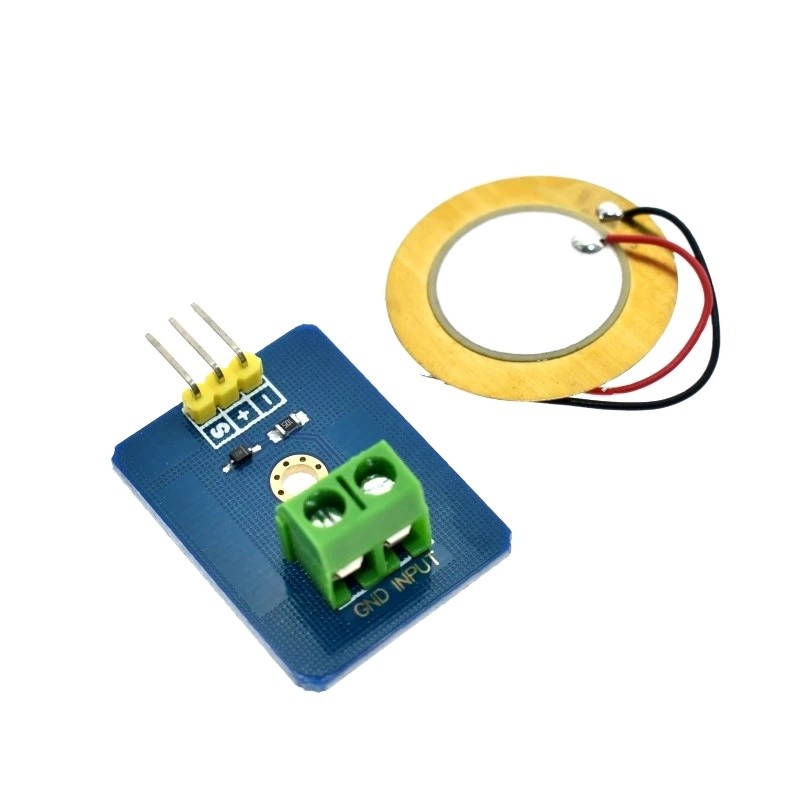
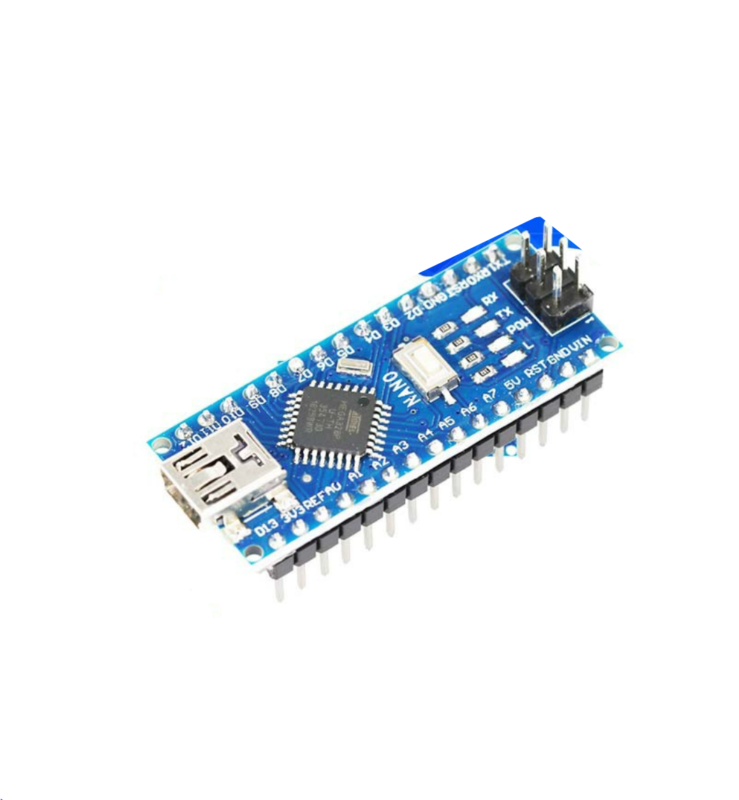
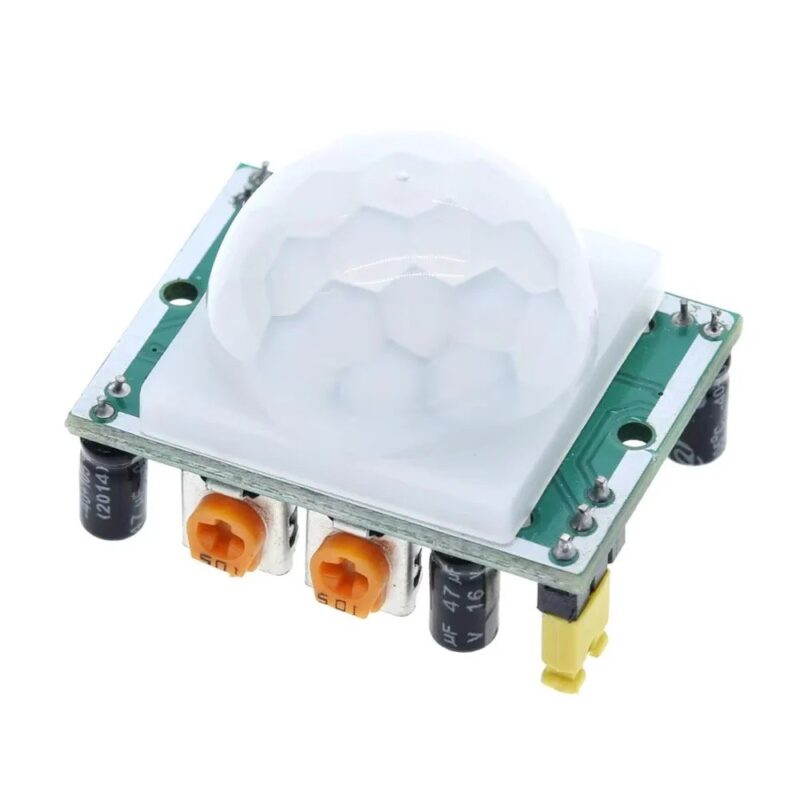
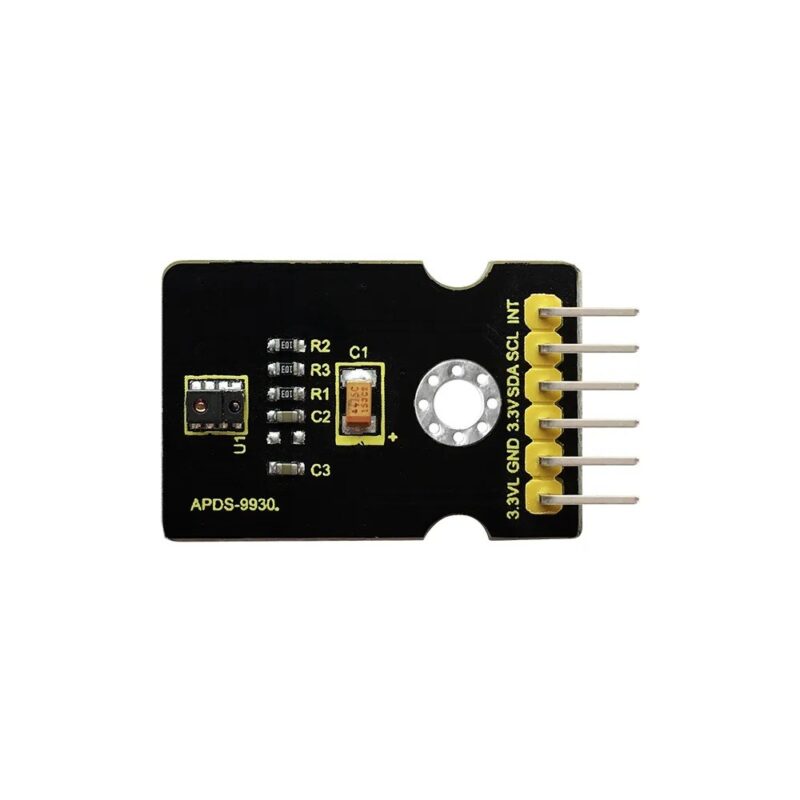
 Arduino Modules & Sensors
 Battery Compartments
 Component Cases
 Electronics Kits
 Microcontroller Boards
 Project Enclosures
 Shields & Hats
 Tablets
 Laptops
 Laptop Accessories
 CPU (Processor)
 CPU Coolers
 GPU (Graphics)
 HDD/ SSD (Storage)
 MOBO (Motherboard)
 PSU (Power Supply)
 RAM (Memory)
 Keyboard & Mouse Combo
 Keyboards
 Printers
 USB
Reviews
There are no reviews yet.