Product categories
- - Hot Deals - 5
- Batteries 8
- Cables & Adapters 3
- Computer Components 102
- Cases 0
- CPU (Processor) 2
- CPU Coolers 15
- GPU (Graphics) 4
- HDD/ SSD (Storage) 17
- Motherboards 9
- PSU (Power Supply) 23
- RAM (Memory) 32
- Computer Peripherals 133
- CD/ DVD Discs & Drives 22
- External Storage 16
- SD Cards 12
- USB Storage 4
- Headsets 22
- Keyboard & Mouse Combo Pakistan 14
- Keyboards 23
- Monitors 2
- Mouse & Mouse Pads Pakistan 49
- Printers 3
- Webcams 6
- Computers, Laptops, Tablets 12
- Laptop Accessories 3
- Laptops 6
- Tablets 3
- Educational & STEM 261
- Arduino Electronics 259
- Arduino Modules & Sensors 182
- Communication Modules 11
- Display Modules 14
- Electrical & Power Sensors 29
- Environmental Sensors 24
- Input & Control Modules 13
- Light & Optical Sensors 17
- Motion & Proximity Sensors 12
- Motor & Driver Modules 7
- Other Modules & Sensors 22
- Relay & Switching Modules 15
- RFID & NFC Modules 5
- Timing & RTC Modules 4
- Water & Soil Sensors 9
- Battery Compartments 7
- Component Cases 1
- Electronic Components 1
- Electronics Kits 17
- Microcontroller Boards 14
- Project Enclosures 3
- Shields & Hats 21
- Wiring & Accessories 13
- Arduino Modules & Sensors 182
- Educational Toys & Learning 2
- Arduino Electronics 259
- Electronic Tools & Equipment 5
- Gadgets and Toys 1
- Gaming 7
- Hand Held Radios & Accessories 1
- Miscellaneous 2
- Mobile Phones 14
- Networking 58
- Smart TVs 1
- Uncategorized 0
Filter by price
Brand
PSU (Power Supply)
PC power supplies from 500 W to 1600 W, shipped Pakistan-wide. PcGuy Computers stocks 23 ATX power supply units from ASUS ROG, Corsair, Cougar, DeepCool, Gigabyte, MSI and Axceltek — spanning $40 office units to $240 enthusiast builds, in non-modular, semi-modular and fully modular form.
Not sure what wattage you need? Most 1080p gaming builds want 550–650 W, 1440p builds 650–750 W, and anything with an RTX 4080-class card or above 850 W+. Our buying guide below breaks it down by budget, GPU and efficiency rating — or ask our Tara, Queensland workshop and we will size one for your exact build.

How to Choose a Power Supply (PSU)
A power supply converts 230 V AC from your Pakistann wall socket into the regulated 12 V, 5 V and 3.3 V DC rails your components run on. It is the one part that touches everything else in the build, and the one part where a failure can take other hardware with it. Four things decide which unit you need: wattage, efficiency rating, cable type and connector set.
1. Wattage — Match It to Your Graphics Card
Your GPU and CPU account for the overwhelming majority of system draw. Size the PSU so your typical load lands near 50% of its rating, which is where efficiency peaks and fan noise is lowest.
| Your build | Example graphics card | Recommended PSU | Our pick |
|---|---|---|---|
| Office / home PC, no dedicated GPU | Integrated graphics | 400–500 W | Axceltek AP500 — $40 |
| Entry 1080p gaming | RTX 4060, RX 7600 | 550 W | Corsair CV550 — $80 |
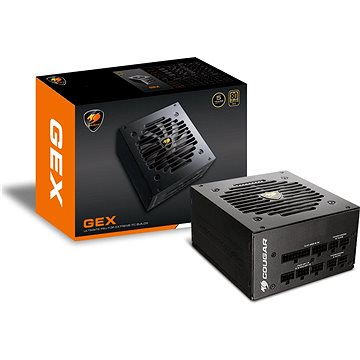
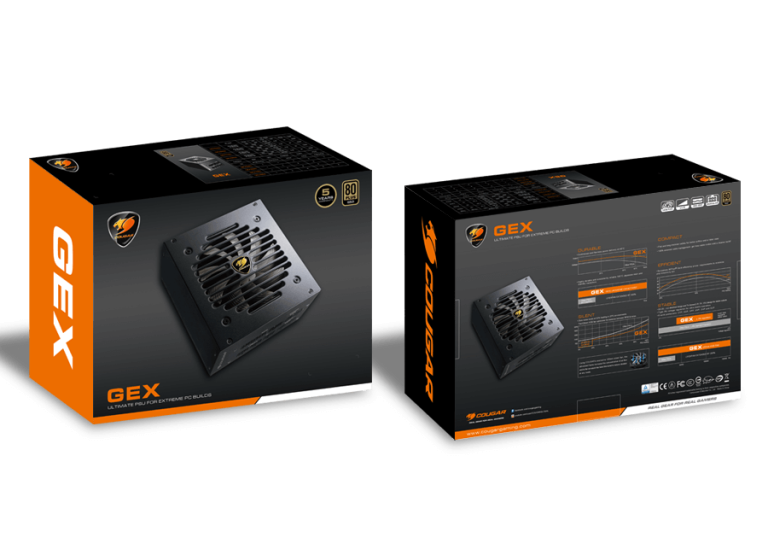
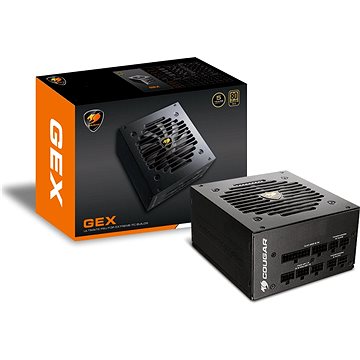
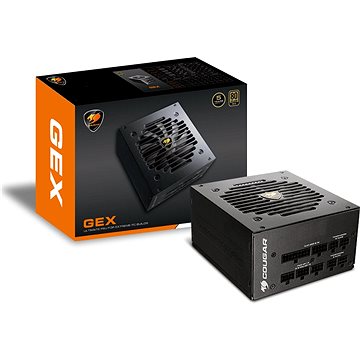
| Mainstream 1440p gaming | RTX 4060 Ti, RTX 4070, RX 7700 XT | 650 W | Cougar GEX650 — $99 |
| High-refresh 1440p | RTX 4070 Super, RX 7800 XT | 750 W | Cougar GEX750 — $135 |
| High end / 4K | RTX 4070 Ti Super, RX 7900 XT | 850 W | Cougar GEX850 — $150 |
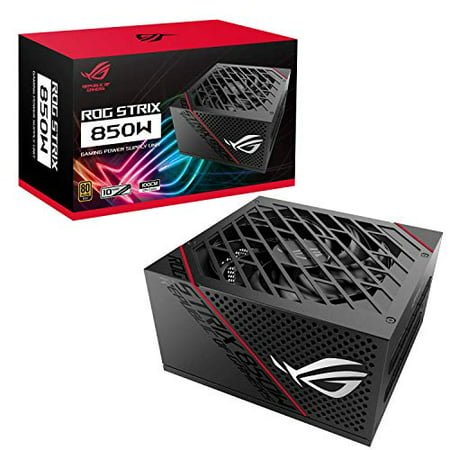
| Flagship / enthusiast | RTX 4080, 4090, 5080, 5090 | 850–1000 W ATX 3.x | ASUS ROG Strix 850G — $240 |
Always check the system power recommendation on your graphics card's box — it covers the whole system, not just the card. Bigger is not automatically better: a 1000 W unit running a 300 W system sits at 30% load, below its efficiency sweet spot, and you paid for capacity you never use.
2. Efficiency — What 80 PLUS Ratings Actually Mean
80 PLUS is an independent certification measuring how much wall power actually reaches your components. The rest is lost as heat. These are the minimum thresholds at 115 V — Pakistan's 230 V supply typically delivers 1–1.5% better than these figures.
| Rating | 20% load | 50% load | 100% load | Worth it for |
|---|---|---|---|---|
| 80 PLUS (White) | 80% | 80% | 80% | Budget office machines |
| 80 PLUS Bronze | 82% | 85% | 82% | Entry gaming on a tight budget |
| 80 PLUS Silver | 85% | 88% | 85% | Rare — usually skip to Gold |
| 80 PLUS Gold | 87% | 90% | 87% | The value sweet spot for most builds |
| 80 PLUS Platinum | 90% | 92% | 89% | Always-on systems, servers |
| 80 PLUS Titanium | 92% | 94% | 90% | Premium enthusiast builds |
A Gold unit wastes roughly half as much energy as an uncertified one. On a 325 W system that is about 35 W less heat pumped into your case — which also means slower fans and a quieter PC. Gold is where price and benefit meet for the vast majority of Pakistann gaming builds.
3. Modular, Semi-Modular or Non-Modular?
| Type | How it works | Pros | Trade-off |
|---|---|---|---|
| Fully modular | Every cable detaches, including the 24-pin | Cleanest builds, best airflow, easiest install | Usually costs $10–20 more |
| Semi-modular | 24-pin and CPU cables fixed; the rest detach | Most of the benefit, lower price | Two cables always present |
| Non-modular | All cables permanently attached | Cheapest for a given wattage and rating | Unused cables must be hidden somewhere |
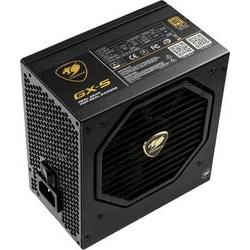
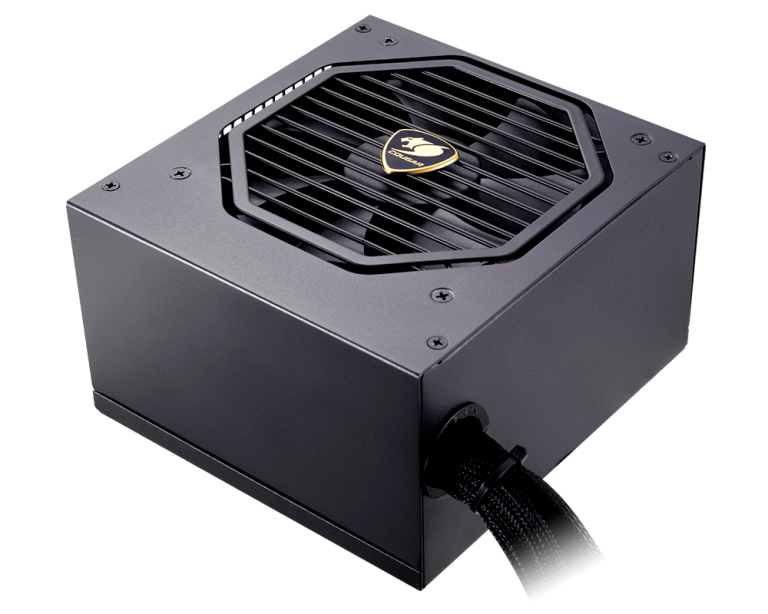
If your case has a tempered-glass side panel or limited depth behind the motherboard tray, fully modular is worth the premium. In a solid-panel budget case, a non-modular Gold unit like the Cougar GX-S 650W at $89 is better value than a modular Bronze unit at the same price.
4. Connectors and ATX 3.x Compatibility
| Connector | What it powers | How many you need |
|---|---|---|
| 24-pin ATX | Motherboard | Always 1 |
| 8-pin (4+4) EPS | CPU power | 1 for most boards, 2 for high-end |
| 8-pin (6+2) PCIe | Graphics card | 1–3 depending on the card |
| 16-pin 12V-2x6 (12VHPWR) | RTX 40/50-series | 1 if your card uses it natively |
| SATA | SSDs, hard drives, AIO coolers | Count your drives, add two spare |
| 4-pin Molex | Older fans, pumps, accessories | Usually 0–2 |
Buying an RTX 40 or 50-series card? Look for an ATX 3.0 / 3.1 unit with a native 12V-2x6 cable. These are built to absorb the brief power spikes modern GPUs produce, which can trip the protection circuit on an older ATX 2.x supply even when its total wattage looks sufficient. Older ATX 2.x units remain perfectly good for RTX 4070-class cards and below.
Power Supplies by Budget
| Budget | What that buys | In stock now |
|---|---|---|
| Under $50 | Basic ATX, uncertified | Axceltek AP500 500W — $40 |
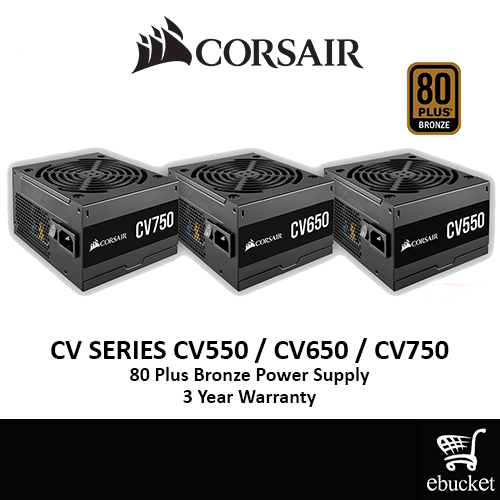
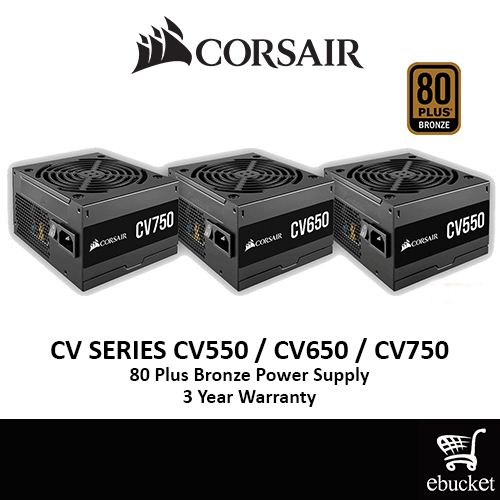
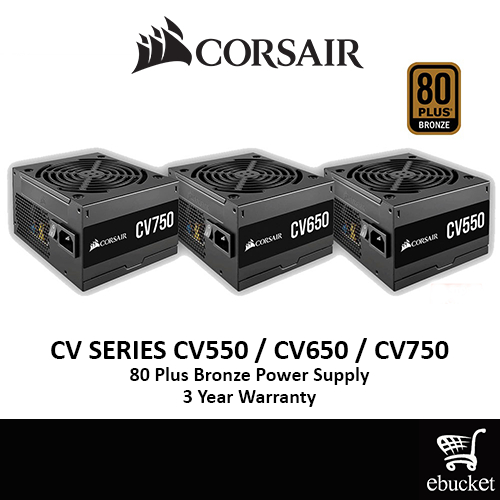
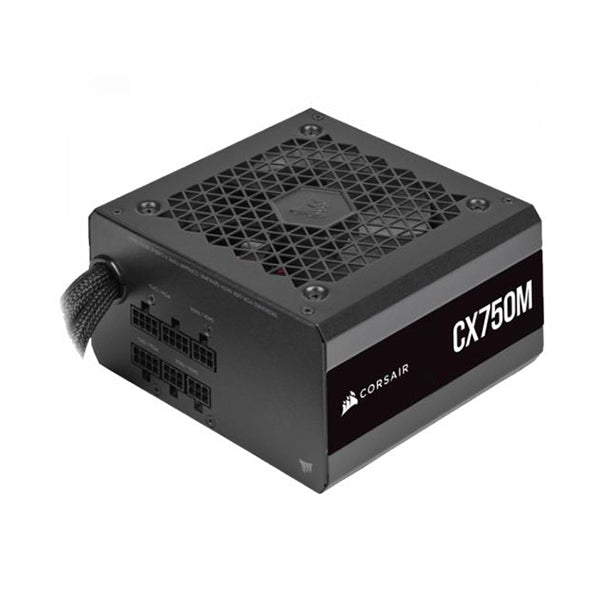
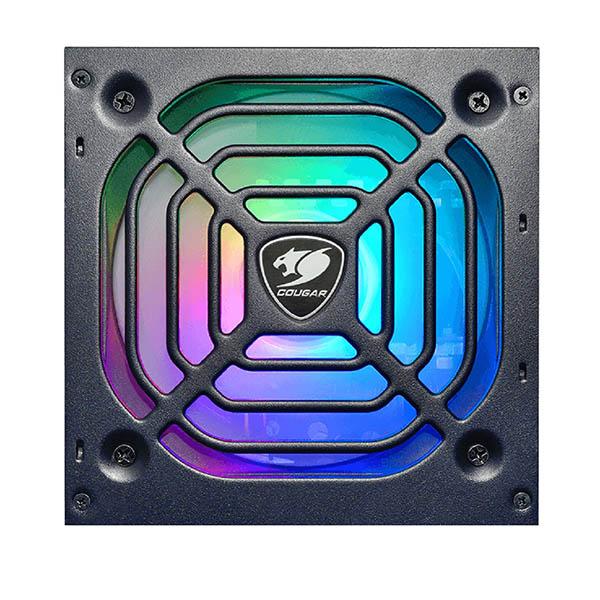
| $50–$100 | Bronze, or entry Gold | Corsair CV550 $80 · Cougar GX-S 650W $89 · Cougar XTC550 ARGB $90 · Corsair CX750M $90 · Cougar GEX650 $99 |
| $100–$150 | Mid-range Gold, 650–850 W | Corsair CV650 $100 · Corsair CV750 $120 · Cougar GEX750 $135 · MSI MPG A650GF $140 · Cougar GEX850 $150 |
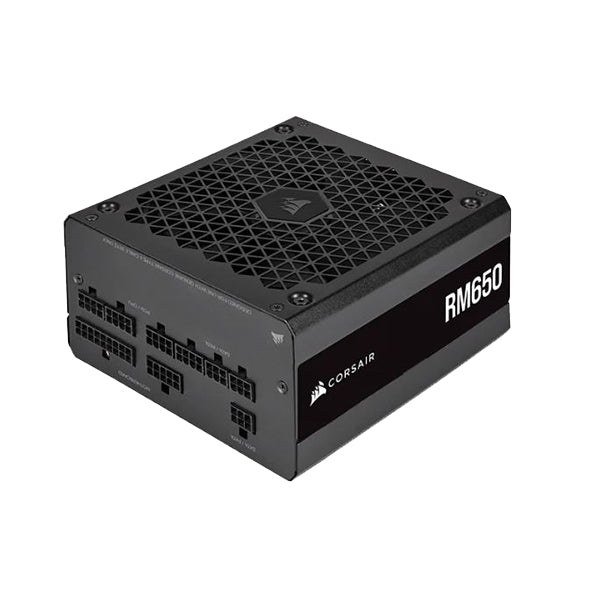
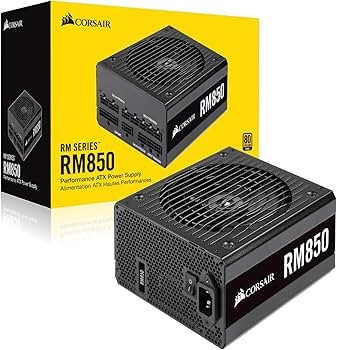
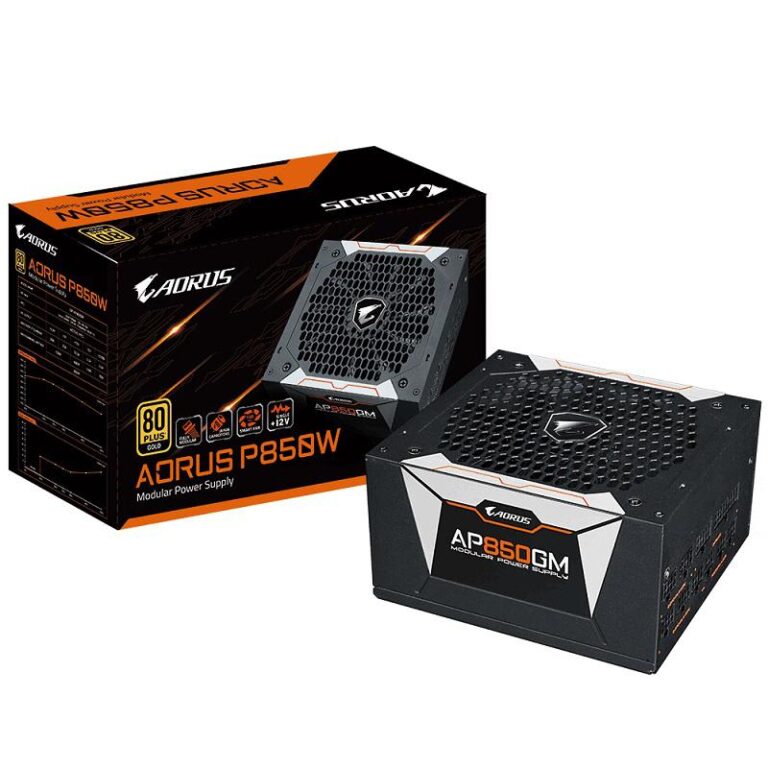
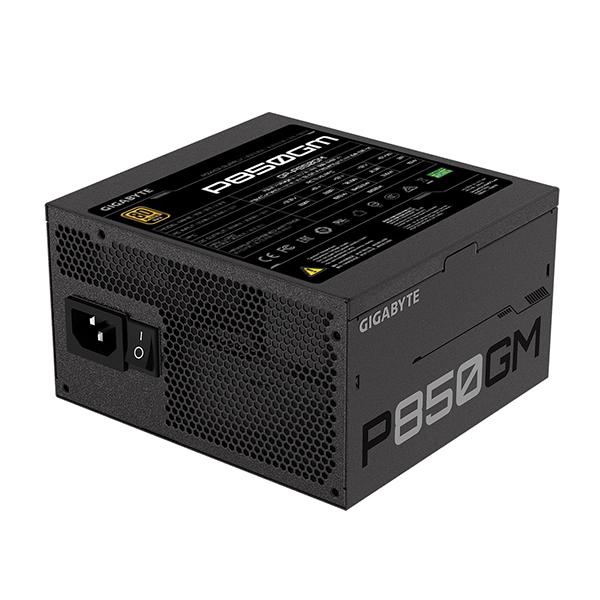
| $150–$200 | Premium 750–850 W Gold | Gigabyte P850GM $150 · MSI MPG A750GF $160 · Corsair RM650 $170 · Corsair RM850 $190 |
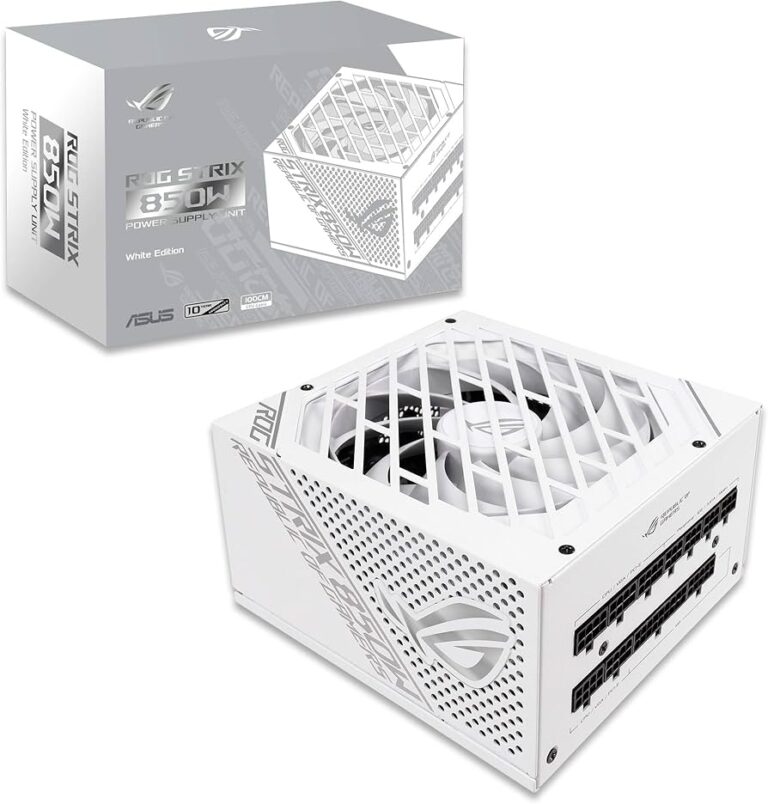
| $200+ | Enthusiast 850 W Gold | ASUS ROG Strix 850G White $230 · ASUS ROG Strix 850G $240 |
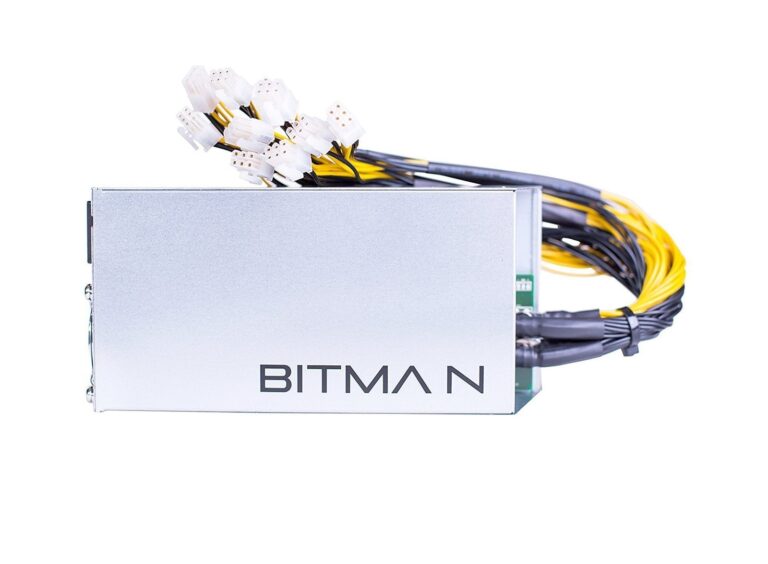
| Specialist | 1U mining / high-density | Bitmain APW7 1600W — $120 |
Brands We Stock
| Brand | Known for | Range here |
|---|---|---|
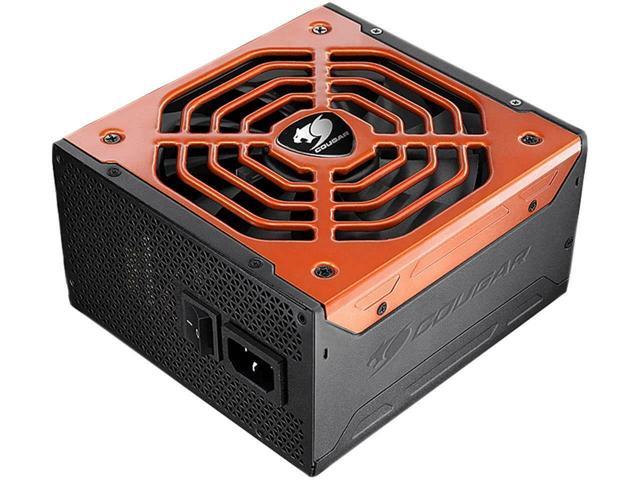
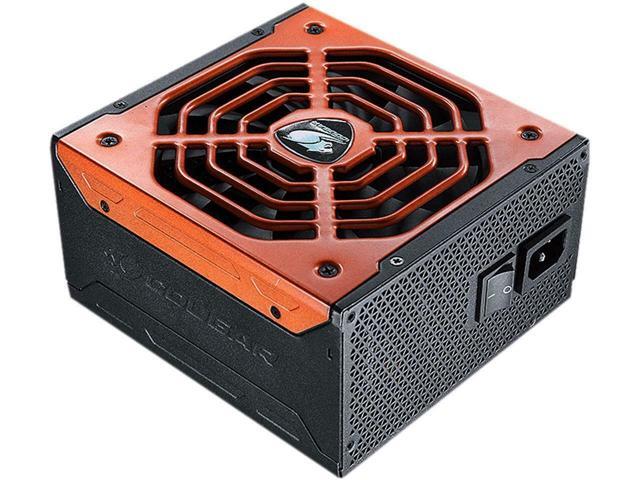
| Cougar | Strong price-to-efficiency; GEX series uses 105 °C Japanese capacitors | $89–$170 |
| Corsair | Build quality and long warranties; CV budget line, RM quiet premium line | $80–$190 |
| ASUS ROG | Enthusiast cooling and aesthetics for showcase builds | $230–$240 |
| MSI | MPG Gold series — solid fully modular mid-range | $140–$160 |
| Gigabyte | Competitive 850 W Gold pricing | $150–$170 |
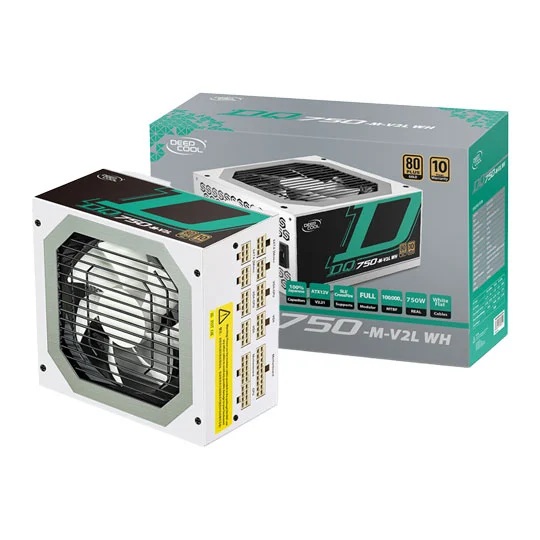
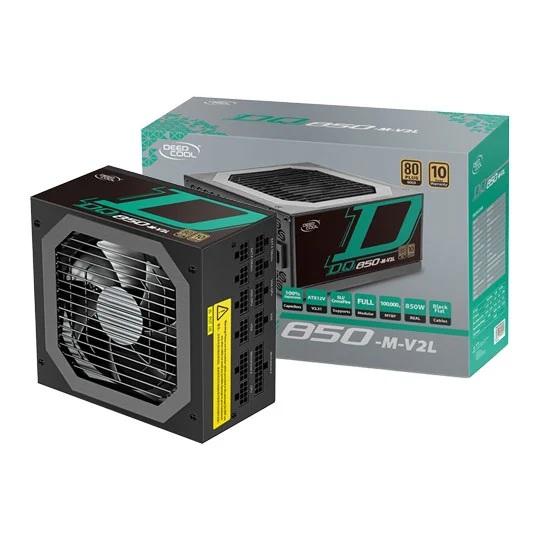
| DeepCool | Modern styling including white-finish options | $150–$170 |
| Axceltek | Budget ATX replacements for office machines | $40 |
Frequently Asked Questions
What wattage power supply do I need?
Add up your CPU and GPU power draw, then add roughly 150 W for everything else, then choose a unit about twice that figure so you sit near 50% load. In practice: 550 W for entry 1080p gaming, 650 W for a mainstream 1440p build, 750 W for an RTX 4070 Super class card, and 850 W or more for flagship GPUs.
Is 80 PLUS Gold worth paying extra for?
For most gaming builds, yes. Gold guarantees 90% efficiency at 50% load against 85% for Bronze. On a 325 W system that is around 21 W less waste heat, which lowers running costs, reduces case temperatures and lets the fan run slower. Gold units also tend to use better capacitors and carry longer warranties.
Can I use any power supply with any motherboard?
Yes, for standard desktops. Every ATX, micro-ATX and mini-ITX motherboard uses the same 24-pin main connector and 4+4 or 8-pin CPU connector. What varies is physical fit in your case and whether the unit has enough PCIe connectors for your graphics card.
Do I need an ATX 3.0 power supply?
Only if you are fitting an RTX 40 or 50-series card that uses the 16-pin 12V-2x6 connector natively. ATX 3.x units handle the short power excursions those GPUs generate. For an RTX 4070-class card or below, a quality ATX 2.x unit is still entirely appropriate.
How long does a power supply last?
A quality unit typically lasts 7–10 years, which is why warranties of 5 to 10 years are common on Gold models. Capacitors degrade with heat, so a well-ventilated case and an efficient unit both extend service life. Most PSUs outlast two or three graphics cards — buying slightly more headroom than you need today usually pays off.
What are the signs my power supply is failing?
Random restarts under load, the PC not powering on at all, a burning smell, coil whine that worsens over time, or crashes that only occur during gaming. If you suspect PSU failure, stop using the system — a failing unit can damage other components. Our Tara workshop can test it and check the rest of the system for damage.
Can I reuse the modular cables from my old PSU?
No. Modular cable pinouts are not standardised between manufacturers, or even between series from the same manufacturer. Fitting the wrong cable can send 12 V down a ground pin and destroy your hardware. Always use the cables supplied with the unit.
Do you deliver power supplies Pakistan-wide?
Yes. PcGuy Computers ships Pakistan-wide from our Tara, Queensland workshop, with dispatch on the next weekday mail run. We also fit and test power supplies if you would rather not do the swap yourself.
Related Categories
- Computer Components — the full parts range
- Motherboards — check your CPU connector requirements
- Graphics Cards — the component that drives your wattage needs
- CPU Coolers — pair with good airflow
- RAM (Memory)
- SSDs & Storage
Compiled and reviewed by the PcGuy Computers workshop team, Tara, Queensland — we specify, fit and test power supplies for customer builds and repairs every week.
Last reviewed: 2 November 2026. Prices in Pakistann dollars, correct at date of review.
Sources: 80 PLUS certification programme (efficiency thresholds) · manufacturer specification sheets for each listed unit.


Arduino Modules & Sensors
Battery Compartments
Component Cases
Electronics Kits
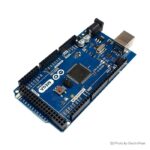
Microcontroller Boards
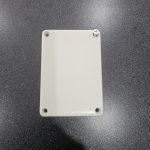
Project Enclosures
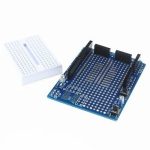
Shields & Hats
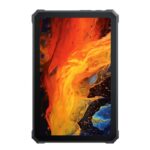
Tablets
Laptops
Laptop Accessories
CPU (Processor)
CPU Coolers
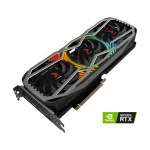
GPU (Graphics)
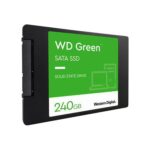
HDD/ SSD (Storage)
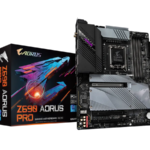
MOBO (Motherboard)
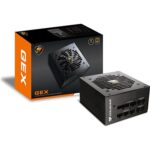
PSU (Power Supply)
RAM (Memory)
Keyboard & Mouse Combo
Keyboards
Printers
USB