Basic Arduino Example Code
const int levelSensorPin = 2;   // Sensor signal wire
const int ledPin = 13;

void setup() {
  pinMode(levelSensorPin, INPUT);
  pinMode(ledPin, OUTPUT);
  Serial.begin(9600);
}

void loop() {
  int sensorState = digitalRead(levelSensorPin);

  if (sensorState == HIGH) {
    Serial.println("Liquid detected");
    digitalWrite(ledPin, HIGH);
  } else {
    Serial.println("No liquid");
    digitalWrite(ledPin, LOW);
  }

  delay(300);
}
Typical Wiring
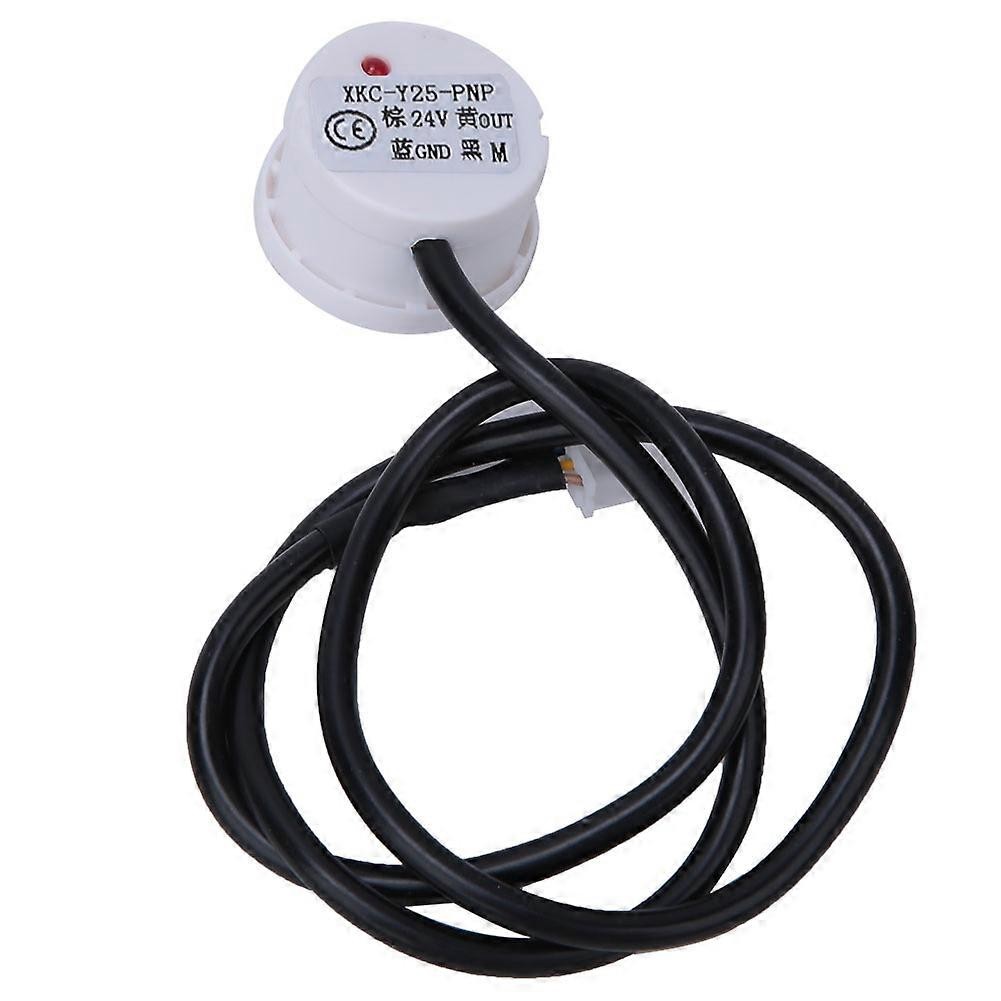
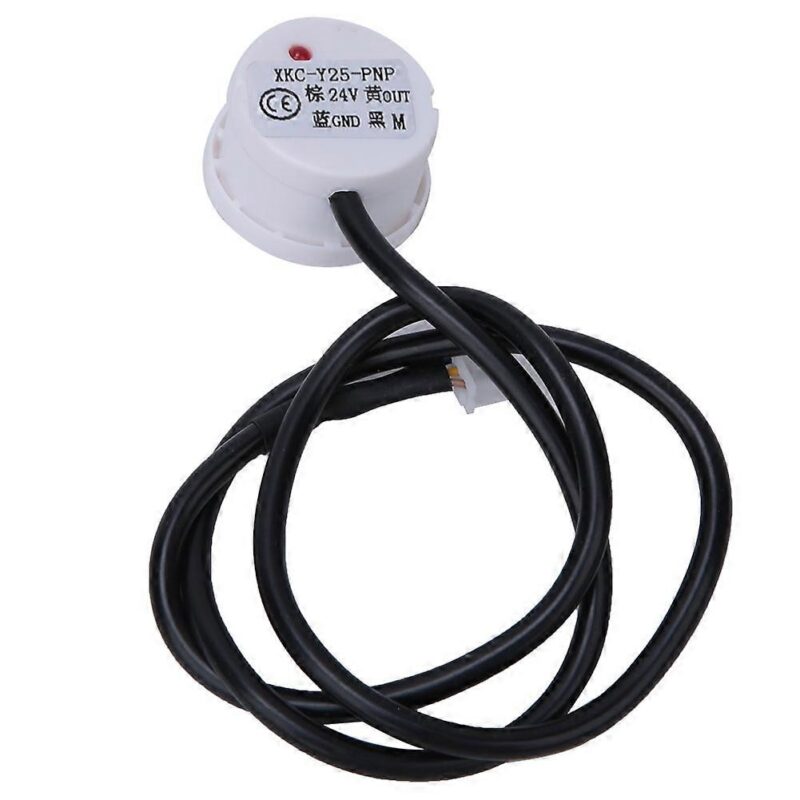
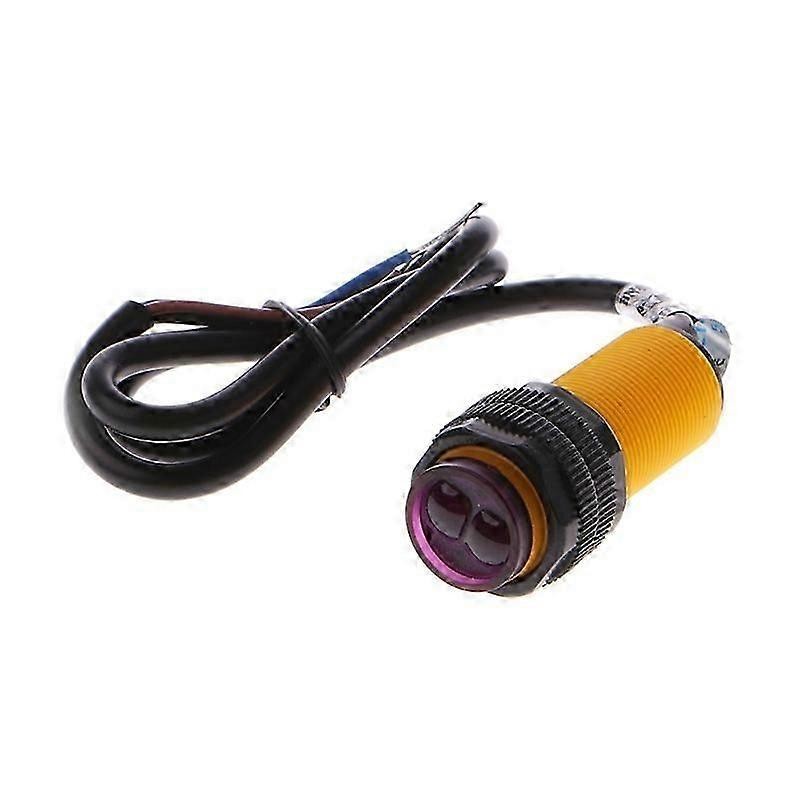
XKC-Y25-PNP brown  -> +5V or +12V sensor supply
XKC-Y25-PNP blue   -> GND
XKC-Y25-PNP black  -> Arduino digital pin 2
Arduino GND        -> Sensor GND
Important Note About PNP Output
Because this is the PNP version, the black signal wire outputs a positive voltage when the sensor is triggered.
If you power the sensor from 12V, do not connect the black signal wire directly to an Arduino input pin. Use a voltage divider, optocoupler, transistor interface, or another suitable level-shifting method.



 Arduino Modules & Sensors
 Battery Compartments
 Component Cases
 Electronics Kits
 Microcontroller Boards
 Project Enclosures
 Shields & Hats
 Tablets
 Laptops
 Laptop Accessories
 CPU (Processor)
 CPU Coolers
 GPU (Graphics)
 HDD/ SSD (Storage)
 MOBO (Motherboard)
 PSU (Power Supply)
 RAM (Memory)
 Keyboard & Mouse Combo
 Keyboards
 Printers
 USB